From a Global Leader in Password Forensics
XenArmor All-In-One Password & Key Recovery Co-bundle
Recover forgotten passwords from 300+ apps and lost license keys from 17,300+ products with one powerful bundle.
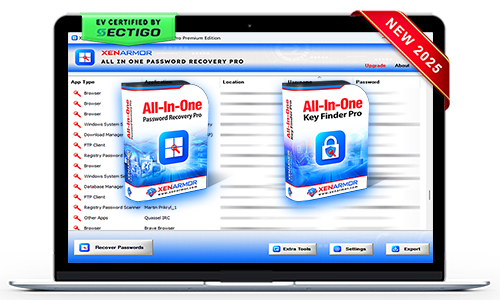
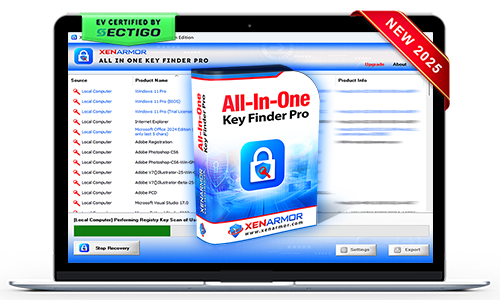
- Product #1: All-In-One Password Recovery Pro
- Product #2: All-In-One Key Finder Pro
- Bonus Software: Asterisk Password Recovery Pro
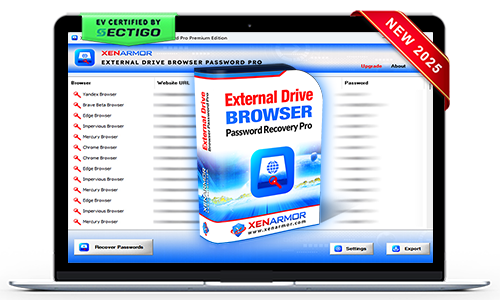
- Bonus Software: External Drive Browser Password Pro
- Bonus Software: Windows Vault Password Recovery Pro
- Command-Line Automation: Automate recovery through scripts or scheduler
Tired of entering complex password every time to open your PDF?
Remove PDF passwords permanently and open your PDFs directly without entering passwords again.

- Permanently remove PDF password protection with a single click.
- Open your PDF files instantly without entering passwords again.
- All PDF unlocking is performed locally to ensure complete privacy and security.
- Compatible with all major PDF versions and encryption standards, including RC4 and AES.
- Remove passwords from multiple PDF files in a single operation to save time.
Worried About Others Accessing Your Confidential PDF Files?
Protect sensitive PDF documents with strong password security and controlled access.
- Secure PDF files with strong password protection in seconds.
- Prevent unauthorized users from opening confidential documents.
- Protect business, financial, legal, and personal PDF files.
- Compatible with all PDF versions and encryption standards.
- All PDF protection is performed locally for complete privacy.
Concerned About Uploading Your Sensitive PDFs Online?
Perform all PDF operations locally without sending your documents to cloud services.

- 100% offline PDF processing with no internet connection required.
- Your PDF files are never uploaded, shared, or stored in the cloud.
- Ensure complete privacy and confidentiality of sensitive documents.
- Ideal for business, legal, financial, and other confidential PDF files.
- Enjoy faster PDF operations through secure local processing.
XenArmor All-In-One Password Recovery Pro
Instantly recover all your forgotten passwords from 300+ top Windows applications
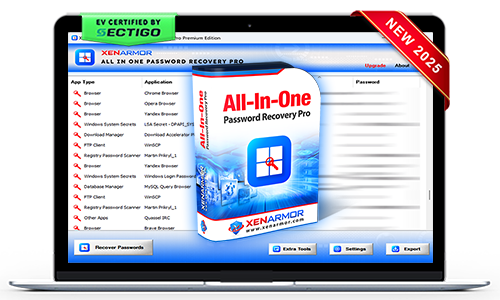
- AI-Powered Recovery Engine: Instant recovery from 300+ applications
- All-In-One Recovery: Extract website, email, social, messenger, database, FTP, Wi-Fi, Windows credential manager/vault passwords & system secrets
- AI Registry Scanner: Detect and decode hidden passwords from the registry
- Custom Location Recovery: Extract credentials from custom profiles or external drives
- Forensics-Ready Workflow: Designed for forensic, IT teams, govt & enterprises
- Backup & Export: Save recovered passwords in HTML, CSV, XML, JSON, or SQLite
XenArmor All-In-One Key Finder Pro
Instantly recover lost license keys for Windows, Office, and 17,300+ popular products
- Total Key Recovery: Recover license keys for 17,300+ popular products
- Instant Key Recovery: Directly recover keys for 7,800+ supported products
- AI Registry Scanner: Run Windows Registry scan to find keys for 9,500+ products.
- Multi-Source Recovery: Recover keys from local PCs, remote systems, external drives & registry files
- Command-Line Automation: Automate key recovery through scripts or scheduler
- Backup & Export: Save recovered keys in HTML, CSV, XML, JSON, or SQLite
XenArmor Asterisk Password Recovery Pro
Instantly reveal hidden password behind asterisks (*****) in Windows applications
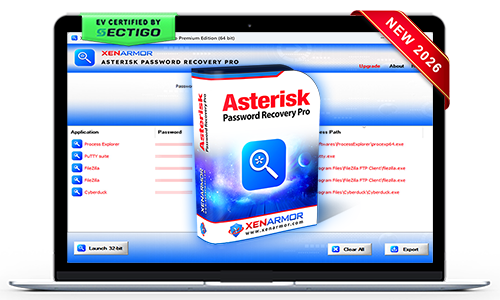
- Asterik Password Recovery: Instantly uncover passwords from 200+ verified apps
- Auto & Manual Mode: Recover passwords from all open apps or selected ones
- 32/64-Bit App Support: Reveal passwords from 32-bit & 64-bit Windows apps
- Command-line/Automation: Automate recovery through scripts or scheduler
- Backup & Export: Save passwords in HTML, PDF, CSV, XML, JSON, or SQLite
XenArmor External Drive Browser Password Pro
Extract all the lost website passwords of 120+ browsers from Windows PCs and external drives
- Website Password Recovery: Instant recovery from 120+ popular browsers
- External Disk Recovery: Extract from external drives, backup, and partially copied data
- Passwordless Recovery: Recover most passwords without user's login password/PIN
- Command-line Automation: Automate recovery through scripts or scheduler
- Forensics-Ready Workflow: Recovery operations designed to support forensic workflows
XenArmor Windows Vault Password Recovery Pro
Extract all the Windows Vault & Credential Manager passwords from Windows PCs and external drives
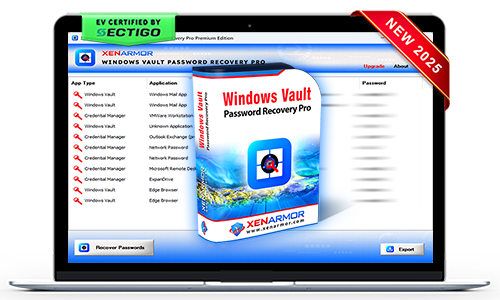
- Windows Vault/Credential Manager Passwords: Recover passwords of Windows Mail, Outlook Exchange, Network, VMWare, IE, Edge, RDP & more
- Multi-source Recovery: Extract from local Windows PCs, external drives or backup
- Command-line/Automation: Automate recovery through scripts or scheduler
- Backup & Export: Save passwords in HTML, PDF, CSV, XML, JSON, or SQLite
- Forensics-Ready Workflow: Recovery operations designed to support forensic workflows
Premium Edition
(5 PCs, Lifetime)
Unlimited Portable Edition
(Unlimited PCs, Lifetime)

SECTIGO "EV Certified" Software
Verified for trusted, secure, and tamper-resistant software deployment.
XenArmor software is signed with an Extended Validation Code Signing Certificate issued after rigorous organization verification by SECTIGO, a globally trusted certificate authority.
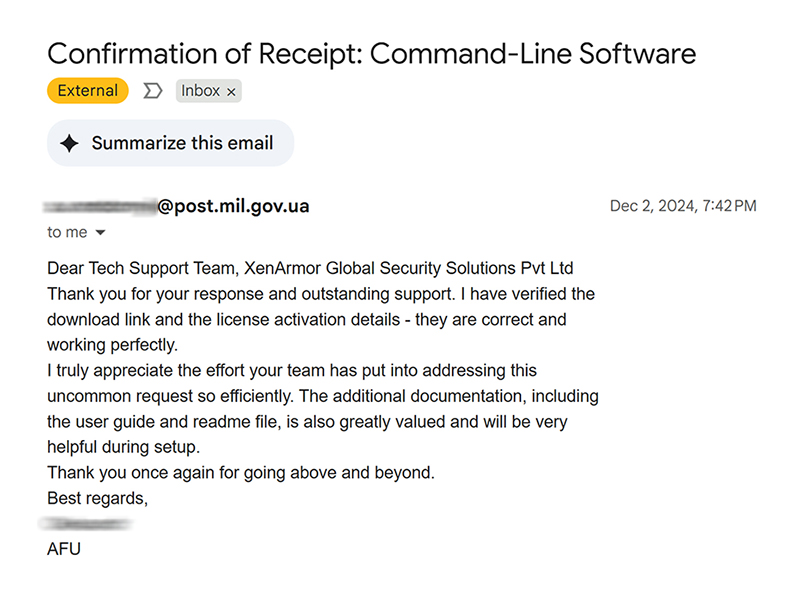
- Run with confidence using verified, EV-certified software
- Install software from a trusted and authenticated publisher
- Recognized by Microsoft SmartScreen and leading antivirus engines
- Protected against tampering and unauthorized modifications
- Deploy safely across remote PCs and enterprise environments


This powerful bundle enables recovery of all major types of passwords & license keys using following softwares:
- XenArmor All-In-One Password Recovery Pro – Recover passwords from 300+ applications
- XenArmor All-In-One Key Finder Pro – Recover license keys from 17,300+ softwares
- XenArmor Asterisk Password Recovery Pro – Reveal hidden passwords behind asterisks (****)
- XenArmor External Drive Browser Password Pro – Recover browser passwords from local and external drives
- XenArmor Windows Vault Password Pro – Recover Windows Vault & Credential Manager passwords
Together, these tools provide a true all-in-one recovery solution.
Yes, the software is 100% safe & secure to use
- Digitally signed with EV Code Signing Certificate by Sectigo
- Trusted by Antivirus and Windows SmartScreen
Intended for legitimate purposes only, such as:
- Recovery of your own passwords/keys
- Recovery service for clients
- IT administration & auditing
- Digital forensics & investigations
- Security professionals & penetration testing
Note: Unauthorized access is strictly prohibited and may result in license termination.
No need. With one-click, it can recover all passwords/keys automatically.
Trial version is available for Premium Edition and it includes all features of the full version for evaluation with minor limitations,
- Shows only first 2 characters of recovered passwords/keys
- Command-line features disabled
Generally free password tools flagged as PUA (Potentially Unwanted Applications) by antivirus.
However, this software is enterprise-grade and digitally signed with EV Code Certificate by Sectigo, a leading certificate authority - ensuring authenticity & safety.
This is typically a false positive. You can resolve it by:
- Adding the software to your antivirus whitelist/exclusions
- Temporarily disabling antivirus protection during installation/running
- Reporting the file to your antivirus vendor as a false positive
For Windows Defender, you can quickly add exclusions or temporarily disable protection using:
XenArmor Windows Defender Manager Pro
The "Unlimited Edition" trial is not offered for security reasons.You can test the Premium Edition Trial, which has the same features.
The Unlimited Edition adds 100% portability and unlimited PCs support.
Ideal for IT administrators, technicians, forensic investigators, and security professionals.
Yes, Premium and higher editions include command-line (CLI) support, allowing you to automate recovery tasks or run it from your scripts.
For detailed usage and examples, please refer to the user guide of individual softwares.
For security professionals and penetration testers, we recommend the Command-Line version.
XenArmor All-In-One Password & Key Finder Co-bundle Command-line
Yes, the "Unlimited Edition" is fully forensics-ready.
It leaves no file or registry footprints on target system and can be run from USB.
For advanced forensic investigations, we recommend:
XenArmor All-In-One External Drive Password Pro
It instantly recover all saved passwords from local computers and external drives.
Yes, the software supports recovery from external drives using custom location feature. But that works if app passwords are not tied to user-specific encryption.
For 100% & automatic recovery from encrypted drive, we recommend advanced software below,
XenArmor All-In-One External Drive Password Pro
This may happen in case of new app version - encryption changes or different profile location
Contact our support team with the application name and details such as version, profile location, screenshots for expert assistance — no charges, even for trial users.
XenArmor All-In-One Password & Key Recovery Co-bundle 2025
Recover forgotten passwords from 300+ apps and lost license keys from 17,300+ products.